Say Goodbye to Locked Exports (BI Integration)

Did you know that around 66% of healthcare providers use predictive analytics as a core BI element?
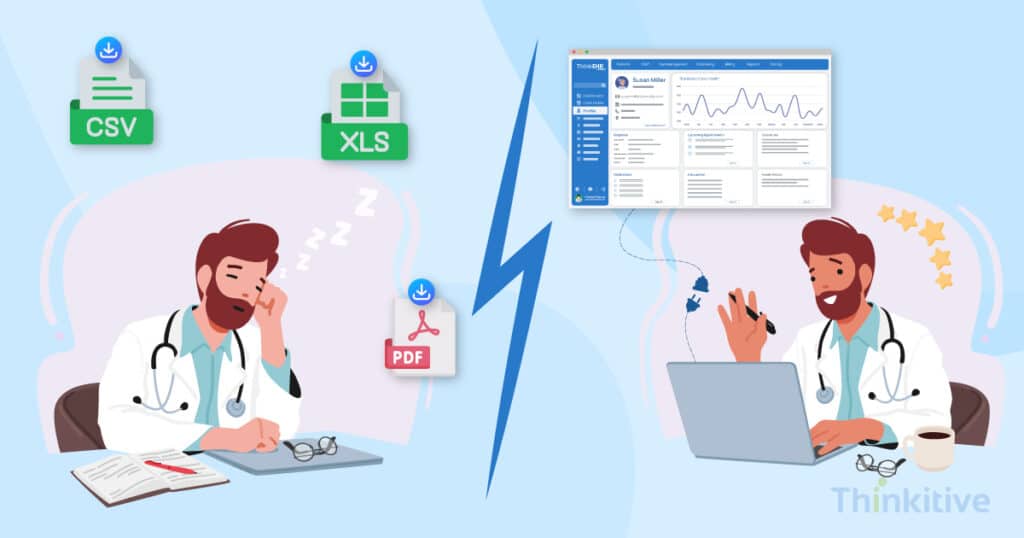
Yes, and one of the major reasons for this is the lack of capability of the system to give you access to analyzed data for meaningful insights on demand. Now, you might say that most of the EHR systems give us access to PDFs, CSVs, and Excel files, right?
Well, the problem that comes is that the data stored in the formats mentioned above is locked exports. Meaning, once you have made an entry in the document, it is locked for the time being. Other than that, many EHR systems offer CSV/Excel-only downloads with fixed schemas. This means no real-time access and no analytical capabilities to give you quick results.
In such cases, all you can do is download the files to access them. This way, you are somewhere accessing outdated data, and even if your vendor gives you EHR BI integration, it is probably controlled by the vendor. This means that the effectiveness of the data is lost, and manual exports are required to access crucial data.
However, with custom EHR development, you can actually turn your EHR into healthcare business intelligence software. For instance, with EHR BI integration, you are not only enabled instant access to real-time data, but also dynamic reporting, allowing you to make accurate decisions faster.
Having said that, this came as a requirement because many healthcare providers are actively adopting BI integration in healthcare practice to enhance their practice efficiency and decision-making ability.
But oftentimes, their systems are entirely generic or just not ready.
On that note, in this blog, let’s explore how BI integration can enhance decision-making, but also remove your dependency on locked exports by transforming your EHR into a real-time business intelligence platform. So, without further ado, let’s get started!
Assess Your EHR System for AI Readiness
Get Free AssessmentWhy Standard EHR Exports Fail Modern Healthcare
Standard EHR exports fail in modern healthcare for a number of reasons. And they are great if the data is limited. With almost owning 30% of the total world data at 10,800 exabytes, finding the right data, then analyzing and making sense of it, and making decisions on the basis of it, is simply a long process.
Here are some of the core reasons why standard EHR exports are used in modern healthcare:
- Retrospective Analysis: Having an export-based workflow forces your practice to always have a retrospective analysis. Meaning, you will analyze the patient based on past data and not on real-time data. While it works, the chances of missing certain aspects of care and administration are higher. This way, a holistic care approach cannot be ensured.
- Data Silos: Locked exports are usually not analyzed by the system. This means with export files, you are creating separate data islands, which makes care delivery much more difficult and complex. This also increases your dependency on IT teams, as removing data silos, you would constantly have to rely on them.
- Limited Use Cases: Due to rigid workflows, there is very little room for your system to explore different data sets. Other than that, with locked exports, you cannot even apply filters or reuse the exported data for some other purposes.
Off-the-Shelf or Custom EHR: Guide to Choose The Best for You
Download GuideHow Does EHR BI Integration Replace Traditional Reporting?
EHR BI integration replaces static reports and manual exports with secure, real-time access to healthcare data. Instead of waiting for scheduled reports or requesting new exports, providers and administrators can explore live clinical, operational, and financial data through interactive dashboards to support faster, evidence-based decisions.
How EHR BI Integration Works
1. Connect your custom EHR to a secure BI platform.
2. Synchronize clinical, operational, and financial data.
3. Create a centralized analytics-ready data layer.
4. Build role-based self-service BI dashboards.
5. Monitor real-time KPIs and operational metrics.
6. Enable governed access to live healthcare data.
7. Use insights to support faster clinical and business decisions.
Before directly jumping to BI integration in healthcare software systems, you first need to understand one very important thing: what will EHR BI integration bring to your practice?
To understand this, we first need to understand the difference between traditional reporting and BI-driven exploration. In simple words, traditional reporting methods tell you what has already happened based on scheduled reports, static exports, and predefined logic. Meaning, for every new question, a new report will be generated by pulling data again and slowing down insights.
However, the situation completely flips with EHR BI integration. Instead of consuming fixed reports, teams can explore the data that is present inside the EHR dynamically and in real-time. This gives you direct access to the key insights present in the data.
Refer to the table below for a better understanding:
| Aspect | Traditional Reporting | BI-Driven Exploration |
| Data Access | Predefined reports and static exports | Direct, query-based access to live data |
| Data Freshness | Point-in-time snapshots | Real-time or near-real-time updates |
| Flexibility | Fixed filters and layouts | Fully customizable views and metrics |
| Question Handling | New question requires a new report | New questions answered instantly |
| Data Structure | Vendor-defined schema | User-defined models and joins |
| Analysis Style | Retrospective (what happened) | Exploratory and predictive (what’s happening and why) |
| Workflow | Export → Excel → Manual analysis | Live dashboards and interactive exploration |
| Cross-Team Use | Siloed by department | Shared, unified data views |
| Decision Speed | Slow, reactive | Fast, proactive |
| Scalability | Breaks with data growth | Designed for scale and complexity |
Other than that, with automated, real-time synchronization between EHR and BI tools, your practice can operate from a single source of trust. This eliminates any chances of errors that might be present, and other aspects of care are also taken care of. This way, your teams will not require any manual reconciliation for data accuracy.
This way, the results or capability of your system increases with EHR data exchange, and you will be able to make more informed decisions with evidence as your source of truth. And unlike locked reports, this is generated by real-time data and not outdated reports.
Also, if you want to know about these features in detail, then read our detailed blog – Advanced Analytics, Reporting & Predictive Modeling for Custom EHR Systems.
Self-Service BI Dashboards Without Manual Exports
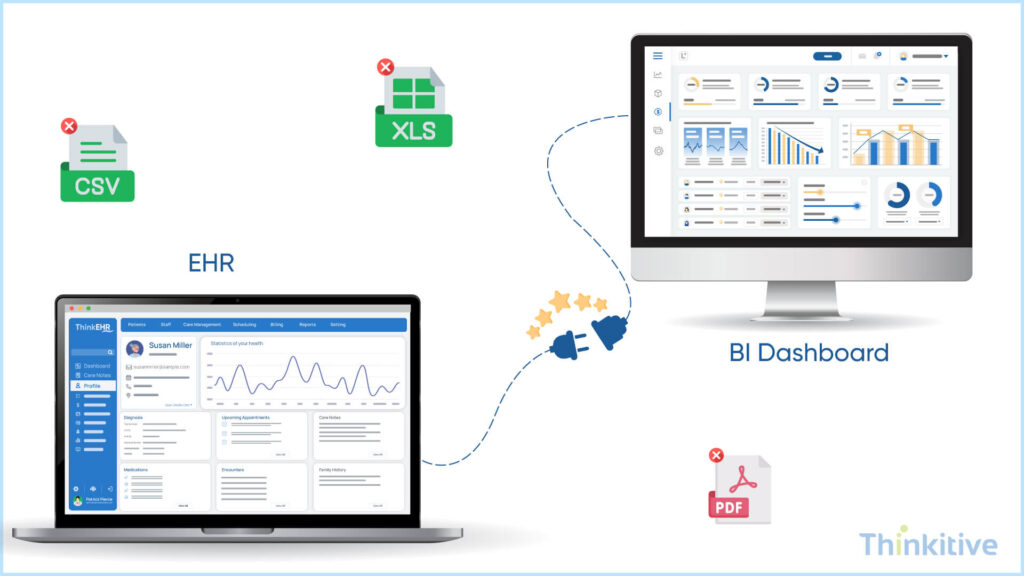
The major advantage of healthcare BI solutions comes in the form of the flexibility that it brings to the reporting feature of your EHR software.
For instance, with EHR BI integration, you get self-service BI dashboards that allow clinical, operational, and finance teams enough freedom to explore EHR data without relying on IT or vendor-generated reports. In simple words, rather than request a new report of export for everything that you come across, your users can use filters, scroll down through various content, and visualize data on their own.
This way, you use live data from different sources, brought under one umbrella rather than static files, which shows nothing but normal data entry.
Moreover, manual exports require significant effort to clean, standardize, and reconcile data before it is finally usable. However, with BI integration in healthcare, you get BI dashboards that remove this overhead by pulling data directly from a governing data layer. This way, you can ensure consistent formats, validated metrics, and up-to-date information.
When teams export files and work separately on that particular file, insights become fragmented and inconsistent. However, real-time BI dashboards for healthcare allow you to create a single, unified view of EHR data, which enables clinicians and administrators to analyze the same information in real-time and make decisions that are backed by evidence and deeper insights.
Integrating Power BI & Other Healthcare BI Solutions
Power BI is a powerful tool, and it acts as a unified, scalable platform that can be used for self-service and enterprise business intelligence. With the help of this, you can visualize complex data easily, making reporting easier by the day.
Now, when you integrate Power BI with your custom EHR software, with EHR data exchange, your healthcare BI solution becomes smart. Here, your data is automatically synchronized, and dashboards can refresh in real-time, allowing your users to explore live operational, clinical, and financial metrics without requesting new reports.
Furthermore, a well-architected BI integration allows your EHR software system to communicate with different healthcare solutions that consume the same governed data source. This avoids separate extraction and duplication of datasets for each platform. This ensures consistency across analytics, and your teams can use the tool of their preference.
Last but not least, if you’re connecting your BI tools with an open data layer, instead of proprietary export formats, you gain full control over the analytics stack. This flexibility removes the constraints imposed by the vendor. By removing this dependency on EHR-native reporting, your teams can adopt, switch, or scale BI solutions at will.
Governance Through Secure BI Integration
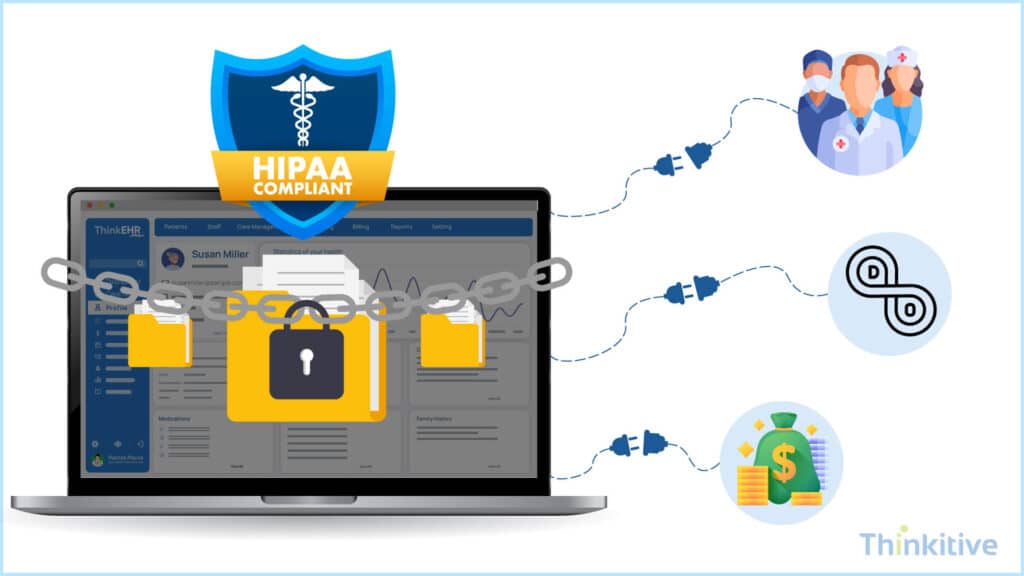
Locked exports restrict productivity, and instead of improving control over different aspects of your practice, from clinical to administrative. The problem is a lack of access to updated data, data silos across care teams, and manual processes. So, core functionalities of your practice, like billing, data management, and care delivery, are impacted. It works, but the best possible care can be missed.
Moreover, with EHR BI intelligence, you get secure and controlled access to different datasets. This ensures that the data is being used for the right purpose and all the aspects of care are met effectively.
On top of that, maintaining consistency without distributing unmanaged files can be ensured. Meaning, anyone from the care team who is accessing data is working on the live data and not outdated data.
Assess Your System Compatibility for BI Integration
Free AssessmentConclusion: From Exports to Exploration
From exporting EHR data to BI tools, real-time BI dashboards for healthcare are changing the way the healthcare industry works. Many even predict that BI integration in healthcare is the end of the era of locked EHR data. And with technology working in real-time, your practice working on real-time data is the need of the hour.
Furthermore, with EHR BI integration connected with other healthcare platforms, you can transform your EHR system into an insight-driven platform that acts as a single source of truth for every care team member. Given the transformative wave of healthcare software systems, EHR BI integration holds a strategic value for holistic care delivery for healthcare practices.
On that note, if you are looking for a partner for your custom EHR development, then this is the right time for EHR BI integration into your system. Get your free consultation and smarten your EHR system.
Frequently Asked Questions
EHR BI integration connects a custom EHR with business intelligence platforms such as Microsoft Power BI, allowing healthcare organizations to analyze live clinical, operational, and financial data through secure, role-based dashboards instead of relying on static reports and manual exports.
Static CSV and PDF exports create uncontrolled copies of patient data outside the EHR. Once exported, data often loses access controls, audit trails, and role-based permissions—making it harder to enforce HIPAA-aligned governance and increasing the risk of accidental sharing or breaches.
Real-time BI integration eliminates manual exports, formatting, and reconciliation work. Reports and dashboards auto-refresh directly from the EHR, allowing clinicians and administrators to access up-to-date insights without relying on IT or spending hours preparing reports.
Yes. When integrating Microsoft Power BI with a custom EHR, data is shared through secure APIs, governed views, and read-only pipelines. This ensures PHI access is role-based, encrypted, auditable, and aligned with healthcare compliance requirements.
A data dump is a one-time, static export that quickly becomes outdated. A live BI data pipeline continuously syncs approved EHR data with BI tools, ensuring dashboards reflect current clinical, operational, and financial realities—without duplicating or storing unnecessary data.
Custom EHR software development allows clinics to design BI-ready data models, open APIs, and flexible integration layers. This removes dependency on vendor-controlled exports, avoids data silos, and enables seamless integration with multiple healthcare BI solutions—without vendor lock-in.


