How Specialty Clinics Can Design EHR Workflows That Actually Make Sense?

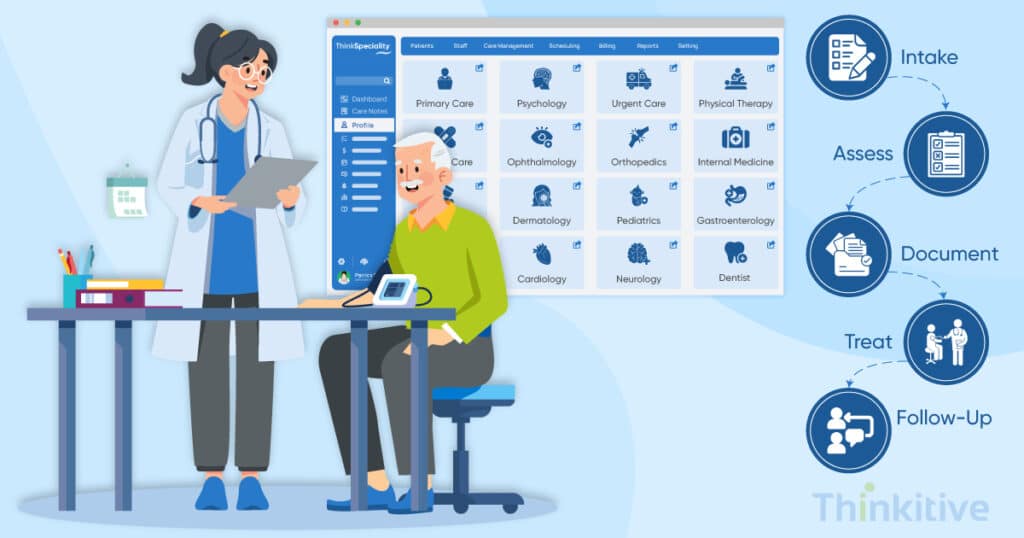
After consulting many healthcare providers for their needs of custom EHR and EMR software development, one problem clearly stood out among all the problems that they were facing. If you’re a healthcare provider or someone who works in the healthcare industry, you must have guessed it right: it is the problem of specialty EHR workflow design.
Since most of the EHR software follows a tried and tested workflow, which works great with generic healthcare practices, but fails miserably when it comes to specialty practices. In fact, as many as 42% of healthcare providers expressed their dissatisfaction with the EHR usability according to the Journal of Medical Internet Research.
Workflow optimization in EHR presents a major challenge for healthcare providers who are serving specialty practices. And the best way for them to design EHR workflows that actually make sense is to design their own specialty-specific EHR customization workflows.
So the main question that arises here is, ‘How to design EHR workflows for specialty clinics?’
EHR workflow design can be created by providers, but to actually decode the software and make it happen, they need EHR software developers. This is why many healthcare providers are looking for the best EHR software development companies to design their workflows.
But before getting you into the intricacies of that, you need to know some of the steps to optimize EHR workflows for clinicians. This way, you can not only make better designs in the EHR customization for clinics but also communicate better with the EHR software developers.
On that note, let’s discuss some of the best practices for EHR customization in specialty care so that you can design EHR workflows that actually make sense.
So, without further ado, let’s get started.
Assess Your EHR System for AI Readiness
Get Free AssessmentConduct A Comprehensive Workflow Assessment
The first step to optimize EHR workflows for clinics is to conduct a comprehensive workflow assessment. Once you have done that, you will know how the patient data flows into your system and how it advances the patient’s journey.
For instance, if you run an orthopedic practice and your current process may involve patient intake followed by consultation, then diagnosis, prescription order, and finally billing. Now, for optimum clinical workflow management, you need to include image order between consultation and diagnosis. This can only be done if you know the process inside out. And this is where the assessment gives you an advantage.
You see, when you conduct an assessment, you can easily identify manual handoffs and documentation gaps that are present in the system. Typically, these gaps and manual work are the things that slow down the specialty workflows. And once you know where the problem is, you can easily address it with clinical workflow management and design a specialty EHR workflow that is very specific to your practice.
One of the best ways to assess your workflow for designing your EHR workflow is to gather inputs from the staff, such as physicians, nurses, medical assistants, and admins. Since they are people who regularly use the software and know the process from the inside, they are better equipped to tell you the intricacies in the process, so that you can identify the gaps.
Also, for each specialty, there are different specialty needs that must be included in the workflows. For instance, a cardiology practice might need to include data from cardiology labs, or a pediatric practice may need to add pediatric milestones during the consultation process. They are important aspects of care and need to be addressed.
Tailor Specialty-Specific Templates & Forms
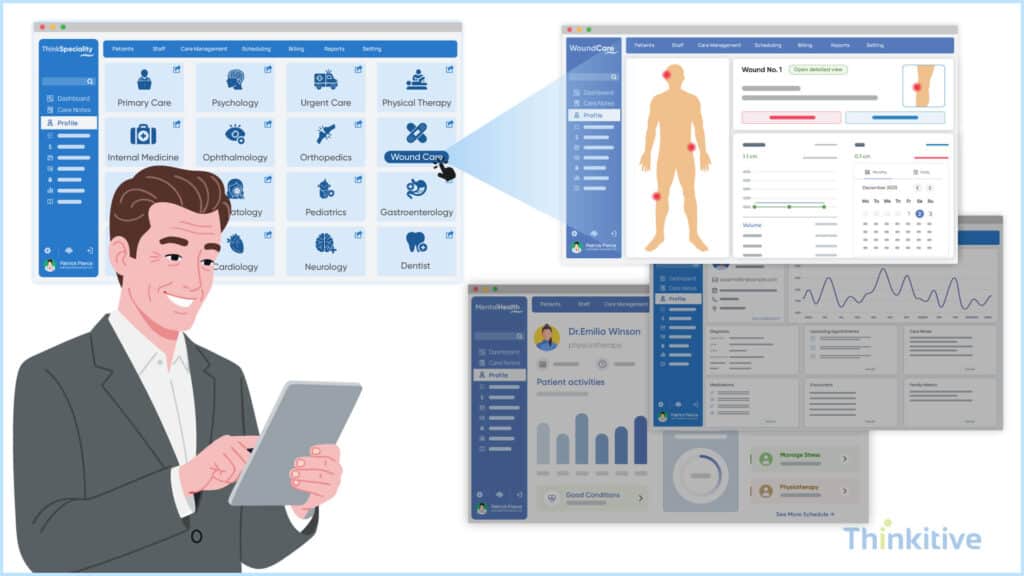
EHR customization for clinics involves tailoring specialty-specific templates and forms. And these are some of the great ways to achieve workflow optimization in EHR. However, when doing so, you need to use conditional logic to adapt to fields dynamically. By doing so, you can understand the specialty workflow in a much better way and curate specialty EHR workflows just the way you like.
For instance, in a generic EHR, the templates are designed for a generic practice. In such cases, there is a high chance that you might miss some of the documentation standards that might be important to you. However, with EHR customization for clinics at your bay, you can align the templates with your specialty EHR workflows and put the required inputs in them, so that everything you require for providing optimum care is present on one single dashboard, forms or templates.
Talking about forms, specialty EHR workflow design should be designed in a way that is able to capture specialty-critical data during clinical encounters. However, in generic systems, this data capturing is done after the encounter. This stretches the processes and delays the care delivery while increasing the chances of inappropriate diagnosis or care delivery.
Furthermore, when tailoring specialty-specific workflows, add some of the intuitive design elements such as dropdowns, checklists, drag and drop functionalities, etc. This will help you build structured and intuitive templates. This is one of the best ways to reduce clicks in EHR workflow design.
Another problem that we encountered when consulting on custom EHR software development projects for specialty clinics is repetitive data entry. After understanding such a problem, we implemented auto-populate existing patient data to reduce repetitive entry.
Step-by-Step Guide to Workflow Specific EHR Development
Download GuideAutomate Routine Tasks Within Specialty EHR Workflows
Another solution that we have provided to some of our custom EHR software development projects is automation, and it has been one of the best features that we have implemented lately. Let me give you an example: by automating routine tasks and adding some smart features, we have been helping them in reducing clicks in EHR workflow design.
With these automation features, many practices streamline their scheduling processes and automate reminders. Due to this, the patients get timely reminders about their appointments, and they also get the liberty to schedule their own appointments. On top of that, with waitlist management, people are able to manage their time and appointments better.
Furthermore, with smart features, we have optimized inbox and routing tools so that lab results are directly implemented in the Medical Assistant’s system and not physicians directly. This takes the burden of their day-to-day activities and optimizes their workflow immensely.
Moreover, we have also implemented some standardized order sets for departments for some of the practices to speed up their workflow and procedures. Due to this, many workflows of departments have been streamlined, enhancing their satisfaction levels, which have a direct impact on their patient care services.
Having said that, the best clinical workflow management that we have implemented for our custom EHR software is clinical decision support. Due to this, evidence-based guidance has been integrated into these specialty-specific EHR customization workflows. This impacted their workflow and care delivery immensely.
There is no doubt that by every passing day, the healthcare systems are becoming smarter, especially EHRs. AI is the latest factor that is making this transition much easier. Talking about AI, many providers have been demanding AI-assisted task routing processes based on the user’s role, urgency, and specialty context. For instance, for different user roles into your system, the AI will assist them completing these tasks faster and being at the center of data, the system can route important tasks to other users, like if a physician is occupied and a patient requires urgent attention, then the system itself can assign the task to a nurse, so that care is delivered on time.
Optimize EHR Workflows for Team-Based Specialty Care
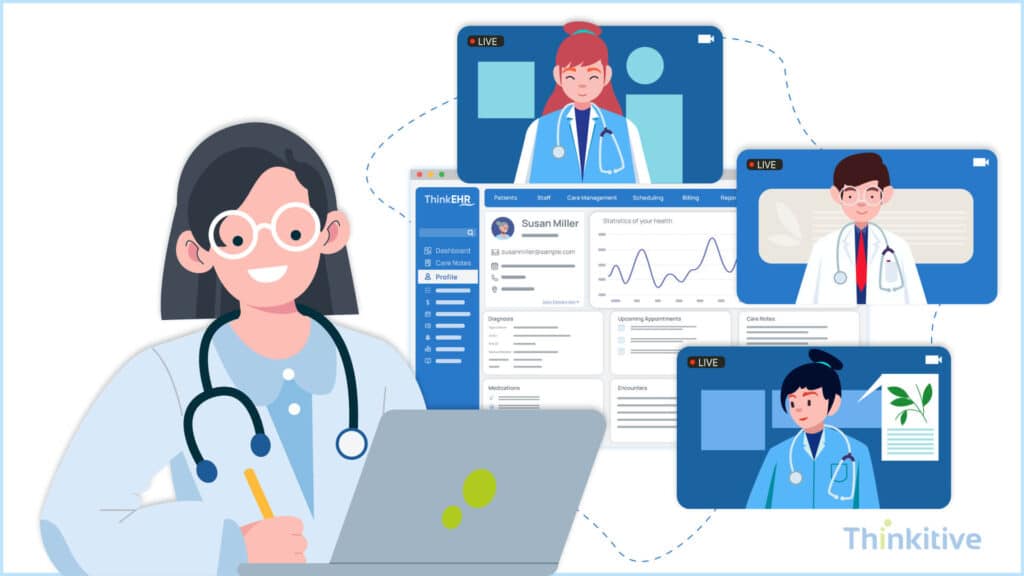
One of the best ways in which you can optimize your workflow optimization is EHR is optimize the workflows for team for team-based care allowing them to coordinate better. In one of our projects, we took some steps to optimize EHR workflows for clinics and assigned them support task delegation to nurses or medical assistants.
This can be done easily by enabling interoperability with HIE, pharmacy systems, lab systems, etc. This will connect their EHR system with these healthcare systems. Due to this, you can easily share data from their system to their system and vice versa. By improving the data sharing capability of their system with other systems, we ensured that all the members of the care teams are always on the same page and working towards the same goal.
This way, they immensely improved coordination between the teams. Another extension that you can use to optimize team-based care and coordination is to add a patient portal for engagement between care teams and patients. Furthermore, it also improves intake efficiency. In this, you can grant mobile access so that providers are always in touch with the teams and patients, monitoring the situation and ensuring proper care is being provided.
Apply Clinical Workflow Management Principles to Specialty Practices
It is an established fact that clinical workflows and administrative workflows are different but must align with each other for care delivery and practice management.
Having said that, for specialty practices, it is crucial to apply clinical workflow management principles to their entire practice workflows. You see, only when clinical and administrative workflows match and work together, the EHR system can be considered a success.
You see, the data between these two workflows is always coming back and forth during the patient’s entire care journey. Here ,identifying handoff breakdown between care teams is important so that the entire process is airtight. And the best way to identify and overcome that is by designing specialty EHR workflows on the clinical workflows of your specialty.
Also, when you’re designing the workflows on the basis of clinical workflows, you can easily identify the redundant steps that might be present in both clinical and administrative workflows. By removing these steps, you make the process faster and easier for both sides.
However, one of the core things for you to remember during this specialty EHR workflow design is to design the workflows that can scale as your practice grows. You see, the growth of practice is directly associated with the growth in the number of patients and specialty complexities. Now, if your workflows are not designed to scale, it will probably result in delays and other inefficiencies.
So, adopt the best practices for EHR customization in specialty care and design workflows for your practice that can actually scale as your practice grows.
Prioritize Training & Continuous Improvement
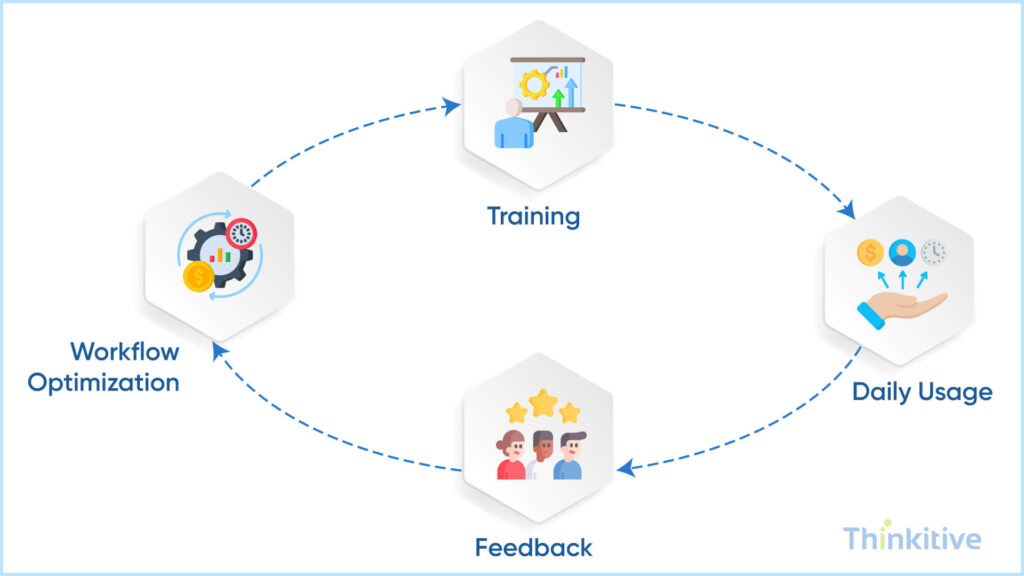
However, when you are designing a workflow for your specialty-specific EHR customization, you need to prioritize training for your staff. For many clinicians that we have provided our custom EHR software development services, we helped them in providing hands-on training for the staff. This way, they knew how to use the software effectively and effectively.
On top of that, we have established continuous feedback to refine workflows and make further changes as suggested by the providers. Furthermore, we redesigned templates so that we could reduce the information overload on each template. And while doing we involved the clinicians so that we could effectively prevent burnout.
Another approach that you can use to identify friction points in your workflows is by using workflow usage analytics. You see, numbers don’t lie, and when you have data, identifying friction points becomes much easier, and they also give you a roadmap to make improvements. This way, analytics creates a continuous loop of improvements that can help you enhance your specialty EHR workflows.
Here you might think that this custom EHR development can be a costly affair. Though, compared to generic systems, custom EHR is indeed costly. However, here is the complete cost breakdown to help you in budgeting better, so read our blog – Custom EMR Development: Complete Cost Breakdown.
Designing Specialty-Specific EHR Software
Get Free ConsultationConclusion
Specialty EHR workflow is required for specialty practices to address their unique needs and requirements. This way, they can reduce clicks, increase efficiency, and customize the EHRs the way they want. EHR workflow design is crucial for the success of your custom EHR software development. And if you follow some of the steps to optimize EHR workflows for your clinicians, as mentioned above, they can indeed design a better workflow for your practice.
On top of that, you can communicate better with your EHR developers of EHR software development companies and ask the right questions. Also, you can set your expectations right and what you want from your vendor.
Furthermore, if you are still not convinced, then read this blog – Why EHRs Should be Specific to Your Workflows.
And if you are convinced, then book a strategy session to book a strategy session to explore workflow-specific EHR customization for your specialty clinic.
Frequently Asked Questions
Effective specialty EHR workflow design directly improves patient throughput by eliminating unnecessary clicks, redundant data entry, and workflow interruptions that slow clinicians down. When specialty EHR workflows are aligned with how providers actually deliver care—whether it’s imaging-heavy ophthalmology visits or multi-session physical therapy encounters—appointments run on time, providers see more patients per day, and staff spend less time fixing documentation errors.
From a revenue perspective, better clinical workflow management reduces claim rework, speeds up charge capture, and minimizes lost billable services. Clinics that invest in EHR workflow design for specialty practices often see measurable gains in operational efficiency, provider productivity, and reimbursement accuracy.
Some of the most common bottlenecks clinics face include:
- Generic templates that don’t reflect specialty-specific care pathways
- Manual handoffs between clinical, billing, and administrative teams
- Excessive documentation steps that disrupt patient flow
- Poorly designed integrations with imaging, devices, or lab systems
These issues stem from one-size-fits-all systems that lack specialty-specific EHR customization. Without tailored EHR customization for clinics, workflows become fragmented, increasing staff workload and reducing care consistency. Addressing these bottlenecks requires rethinking how to design EHR workflows for specialty clinics from the ground up, starting with real-world clinical processes.
Yes—specialty-specific EHR customization is one of the most effective ways to reduce documentation time. By designing specialty EHR workflows around actual visit types, procedures, and specialty-specific data points, clinicians can document faster with fewer clicks and less cognitive load.
Custom templates, smart defaults, automated data carry-forward, and role-based views are all best practices for EHR customization in specialty care. When documentation supports clinical thinking instead of interrupting it, providers spend more time with patients and less time after hours completing charts—directly addressing burnout.
AI plays a growing role in optimizing specialty EHR workflow design by reducing manual effort and improving decision support. In specialty settings, AI can assist with:
- Intelligent documentation suggestions based on visit context
- Automated coding and charge validation
- Workflow routing based on specialty-specific care pathways
- Predictive alerts that surface relevant clinical insights at the right time
When applied thoughtfully, AI enhances clinical workflow management without adding complexity. The key is integrating AI into existing specialty EHR workflows in a way that supports clinicians rather than forcing new processes onto them.
Preparation is critical to successful EHR workflow design for specialty practices. Clinics should start by mapping current workflows across clinical, administrative, and billing teams, identifying friction points and inefficiencies. Involving physicians, nurses, and front-desk staff early ensures the system reflects real-world usage.
Clear documentation of specialty-specific requirements, regulatory needs, and future growth plans is essential for effective EHR customization for clinics. Following best practices for EHR customization in specialty care—such as iterative prototyping, clinician feedback loops, and phased rollouts—helps ensure the final system truly supports how care is delivered.


